 Dealership Workflow
F&I cancellations
F&I cancellation and chargeback tracking
Dealership Workflow tracks every F&I product cancellation from the request to the refund. Each cancellation records the customer, products, reason, lender, refund destination and status, and works out the chargeback from payout and cost refund. A chargeback report breaks it down by month, F&I manager and status, so no refund goes uncollected.
30 minutes with the founder, on your store’s real deal flow.
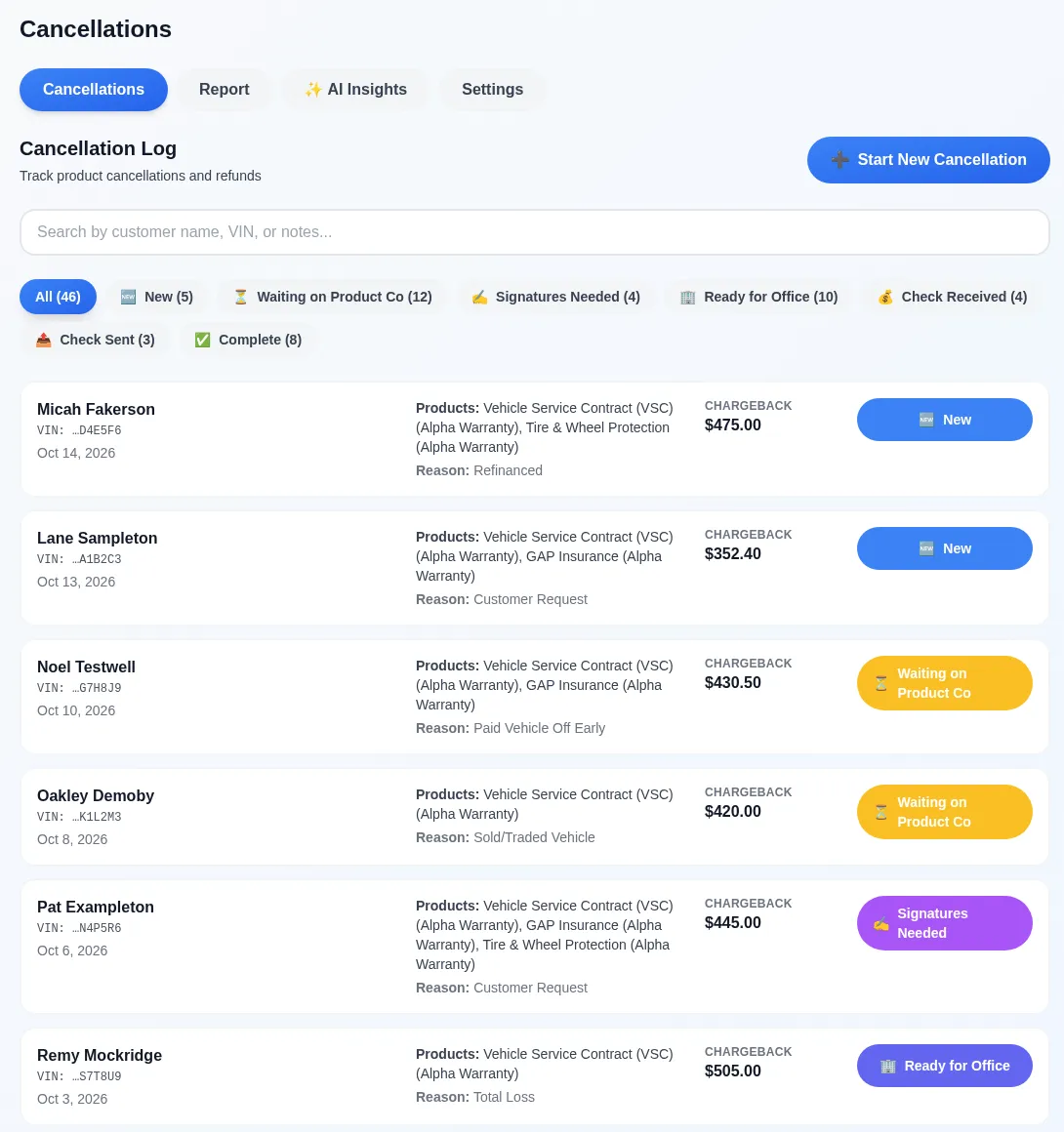
What does each cancellation record track?
Each cancellation tracks the customer, the last six of the VIN, the reason, the lender, the F&I manager, the refund destination and every product line with its company, payout and cost refund.
Documents such as the payoff letter and the cancellation form are attached to the record, and threaded notes can mention a person or a role so the right desk sees it.
How do you know where every cancellation stands?
Every cancellation moves through statuses your store sets, from new to complete, and the log filters by status so nothing sits unnoticed.
Search finds a cancellation by customer, notes or VIN. Banks, products, product companies, reasons and refund destinations are set once and shared across the stores in your group.
How are chargebacks calculated and reported?
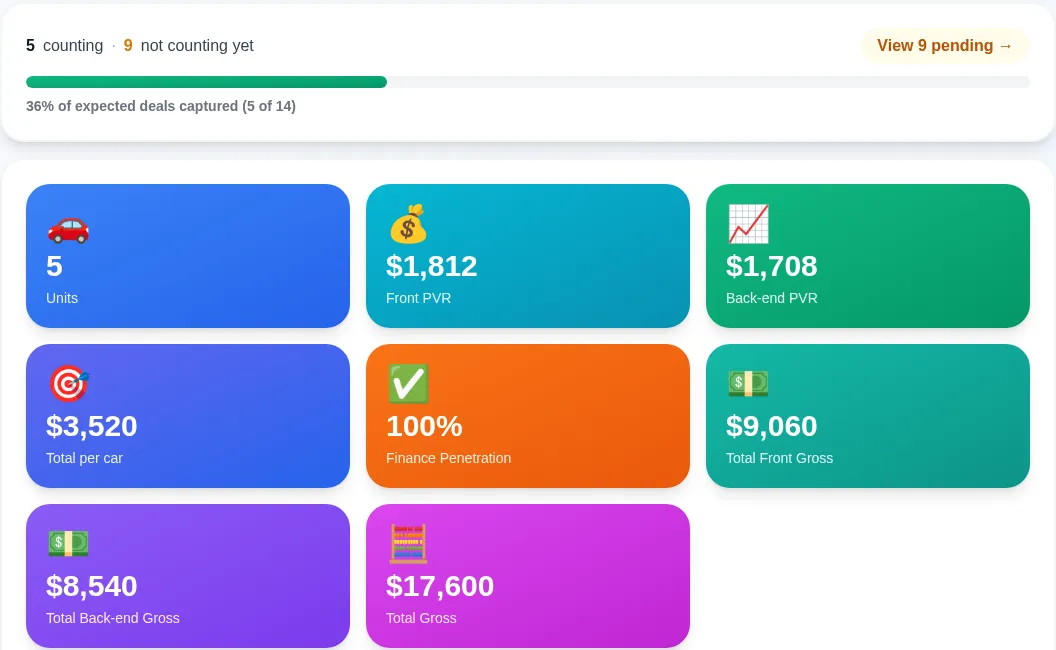
The chargeback on each product is the payout minus the cost refund, and the chargeback report totals it for this month, last month, year to date or a custom range.
Filter by F&I manager or status to see who is carrying the chargebacks and which refunds are still outstanding.
 (opens the full-size image)
Can AI read the cancellation paperwork?
Yes: upload a lender payoff notice or a product cancellation quote and AI fills in the customer, VIN, reason, lender, refund destination and each product’s payout and cost refund for a person to check.
An AI insights report reviews a date range by reason, product, company, F&I manager and timing, and suggests where to act. It downloads as a PDF.
Want the long version? Read How to Track F&I Cancellations and Chargebacks at a Car Dealership (blog).
Cancellation tracking supports your F&I and accounting work; it does not decide refund amounts or replace your product providers’ rules. We’re not lawyers, so check state refund requirements with your own advisors.
FAQ
Frequently asked questions
What is an F&I chargeback?
An F&I chargeback is the commission or income a dealership gives back when a customer cancels a product such as a service contract or GAP, usually after a payoff, refinance or trade.
Is there a longer guide to F&I cancellation tracking?
Yes. The blog article “How to Track F&I Cancellations and Chargebacks at a Car Dealership” walks through the process and the math: dealershipworkflow.com/blog/fi-cancellation-tracking-auto-dealership.
Can a dealer group share cancellation settings?
Yes. Banks, products, companies, reasons and refund destinations are shared across the stores in a dealer group, and each store keeps its own cancellations.
Does it need a DMS connection?
No. Cancellation tracking is part of the core platform and runs without a DMS connection.
How is Dealership Workflow priced?
Priced per rooftop · unlimited users · month to month · the core platform doesn’t need a DMS connection · exact quote on a 30-minute demo with the founder.
Keep reading
What else does Dealership Workflow handle?
This is one job inside a bigger system. The deal workflow software home page covers the whole deal folder, from deposit to funded.
Contracts in transit
Unfunded deals by age, a lender scorecard and funding days, so floorplan carry stops hiding.
Read more →DMS add-on
Optional: DMS dashboards, Customer Intelligence and email campaigns from a DMS data connection.
Read more →Voice notes
Talk instead of type: dictate deal notes from your phone and they land on the deal as text.
Read more →Loaner agreements
Sign loaner agreements on screen, see days out and miles out, and check vehicles back in.
Read more →Dealer trades
Log units traded between stores in your group: inventory, DMS posting, the money transfer, and what is still owed.
Read more →
See it on your own deals
A 30-minute demo with the founder, built around how your store works today.
Book a DemoPriced per rooftop · unlimited users · month to month · the core platform doesn’t need a DMS connection · exact quote on a 30-minute demo with the founder.
Last updated: